How Fragmented Meeting Workflows Kill Productivity (And What to Do Instead)
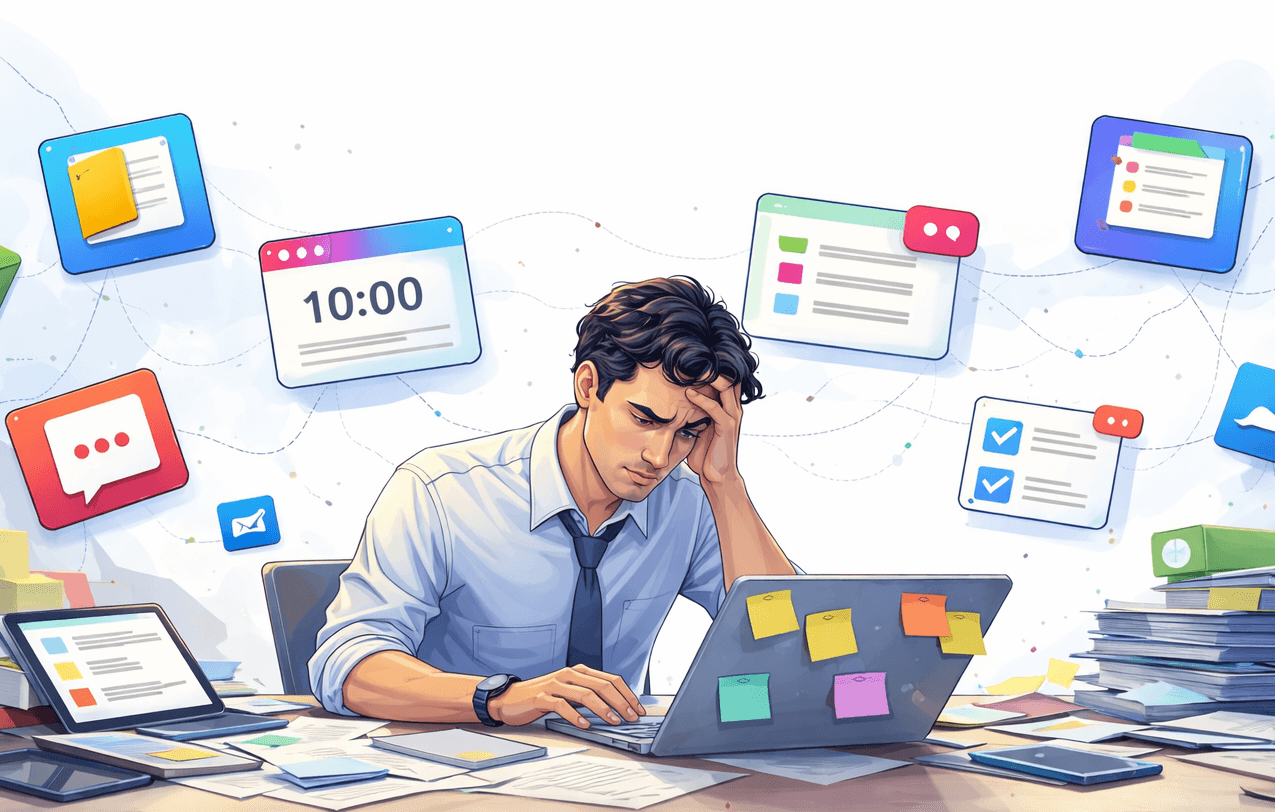
If you're a manager or someone who spends most of the day in meetings, you know the feeling. The meetings themselves aren't the hardest part — it's what happens after.
If you're a manager or someone who spends most of the day in meetings, you know the feeling.
The meetings themselves aren't the hardest part.
It's what happens after.
You leave a client call with three action items.
Your team sync produced two decisions and a follow-up task.
In your 1:1, you promised to send feedback and prepare numbers for next week.
Everything felt clear in the moment.
But by the end of the day, that clarity is gone.
Not because you weren't paying attention — but because your workflow is fragmented.
The Hidden Cost of Scattered Meeting Notes
Most professionals have a system that looks something like this:
- Meeting notes in one app.
- Tasks in another tool.
- Deadlines in the calendar.
- Extra details in Slack or email.
It seems organized. But it isn't connected.
A few days later, you open your task manager and see:
- "Send updated proposal"
- "Clarify scope"
- "Prepare Q2 numbers"
And now you pause.
Which meeting was this from?
What exactly did we agree on?
Was there a deadline?
Did someone mention constraints?
So you start searching. You dig through meeting notes. You scroll Slack. You open your calendar to check the date.
This is the real productivity killer for managers: constantly reconstructing context around meeting action items.
The work isn't hard. The fragmentation is.
Why Meeting Follow-Up Is Where Productivity Breaks
Good meeting management isn't just about running the meeting well.
It's about what happens after the meeting ends.
Every meeting generates:
- Decisions
- Responsibilities
- Follow-up tasks
- Deadlines
But when meeting notes and tasks live in different systems, those action items lose their meaning.
A task without context becomes just another checkbox.
And when context is missing, follow-up slows down. You hesitate. You double-check. You ask for clarification. Or worse — you forget.
Not because you're disorganized. Because your tools don't reflect how meetings actually work.
The Problem Isn't Too Many Meetings. It's Disconnected Ones.
Many managers try to solve the issue by reducing meetings. Fewer calls. Shorter syncs. Tighter agendas.
That helps — but it doesn't solve the core problem.
The real issue is that meeting notes, meeting action items, and follow-up tasks are separated from the meeting itself.
When tasks are detached from the conversation that created them, you lose:
- Why it matters
- What was decided
- Who committed to what
- What constraints were discussed
And every time you try to execute, you pay the price in extra thinking.
A More Connected Way to Handle Meeting Notes and Follow-Ups
What if your meeting notes and follow-up tasks weren't separated?
What if every action item stayed tied to the calendar event and discussion that created it?
That means: when you review a task, you immediately see the meeting it came from. You see the notes. You see the decisions behind it.
No searching. No switching tools. No rebuilding context.
This is the idea behind Dexnotes. Instead of treating meeting notes as static documents and tasks as isolated checkboxes, Dexnotes connects them. Notes, decisions, and follow-up tasks live together — inside the meeting context.
For managers and professionals with back-to-back meetings, this changes everything.
Because productivity isn't about taking more notes. It's about making sure every meeting leads to clear, actionable follow-up — without forcing you to piece everything together later.
When your meetings are connected, your work flows. And that's when productivity finally feels under control.